



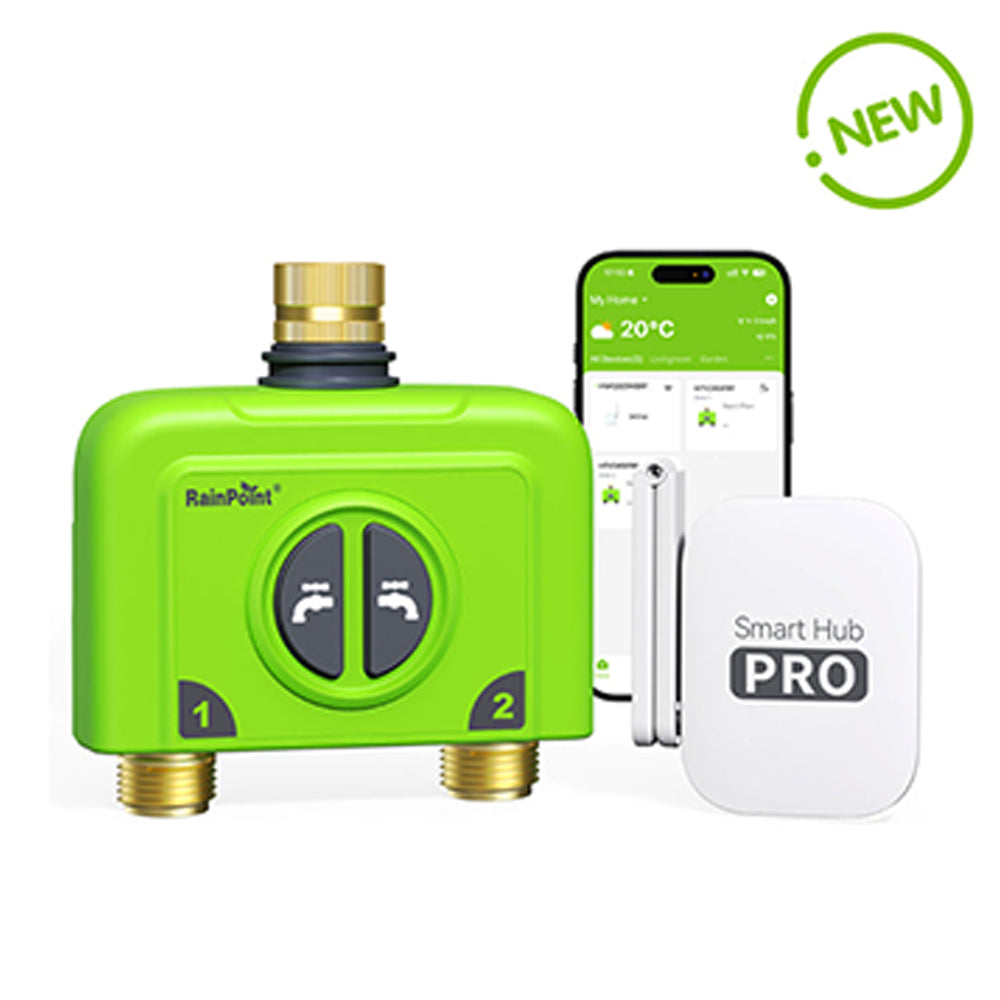
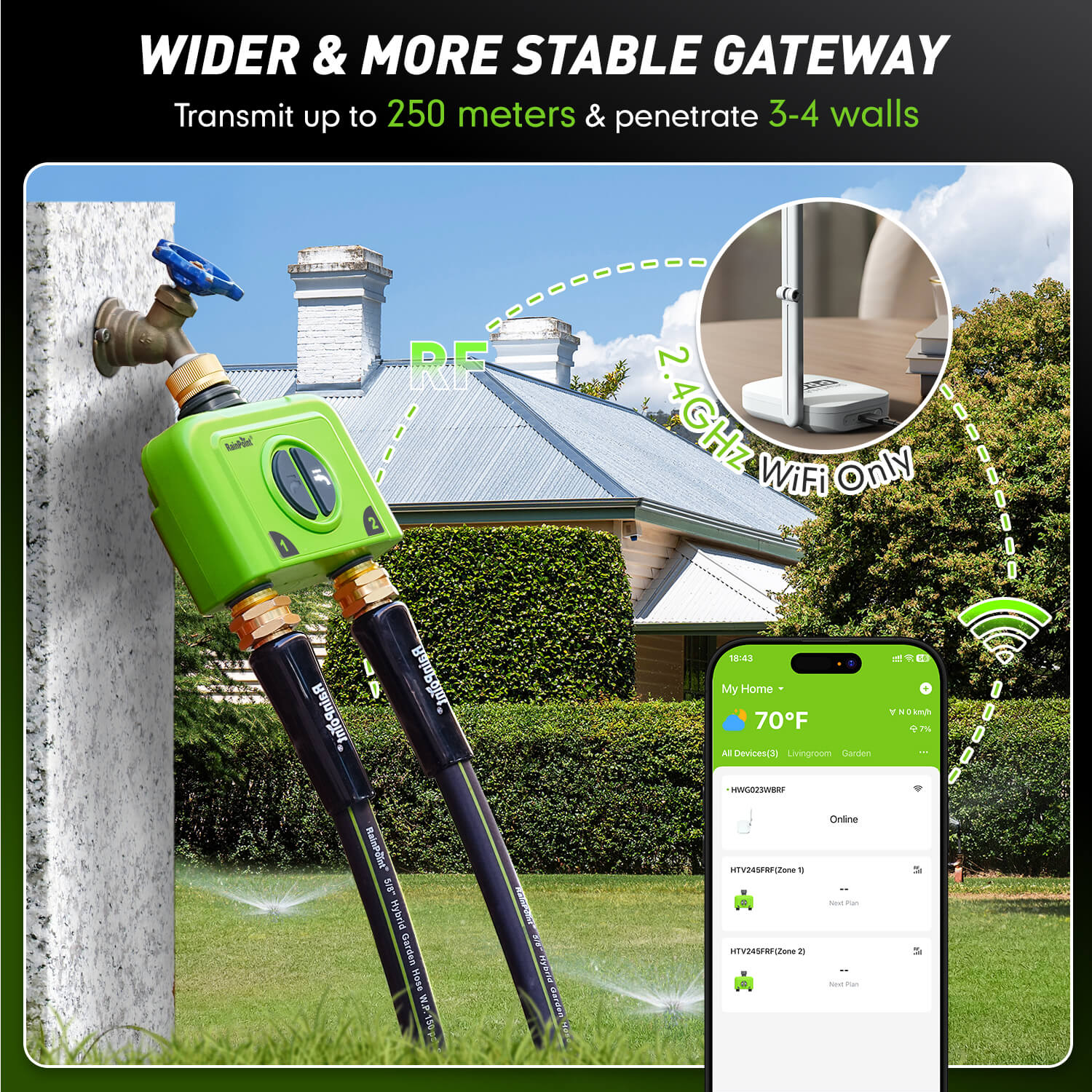
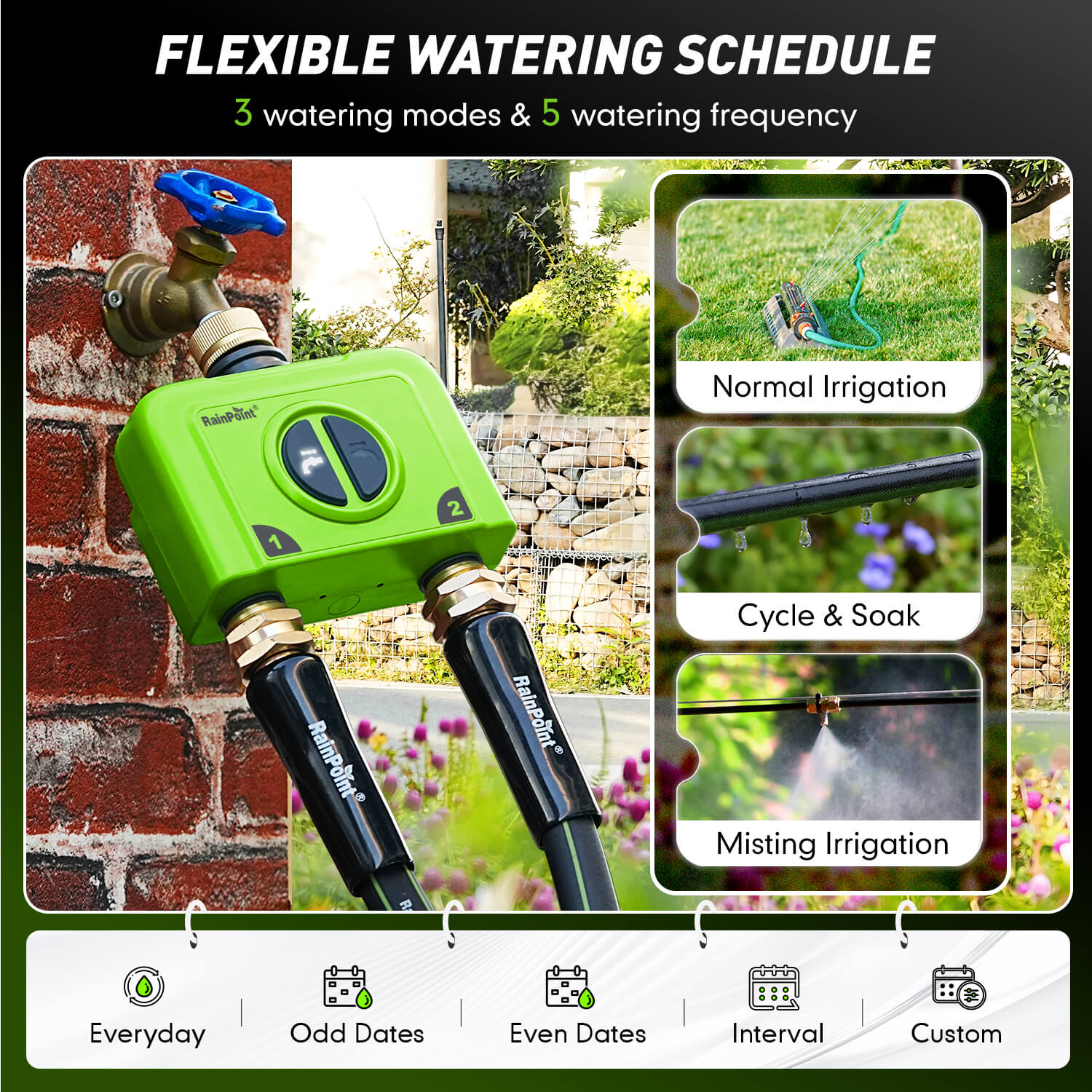
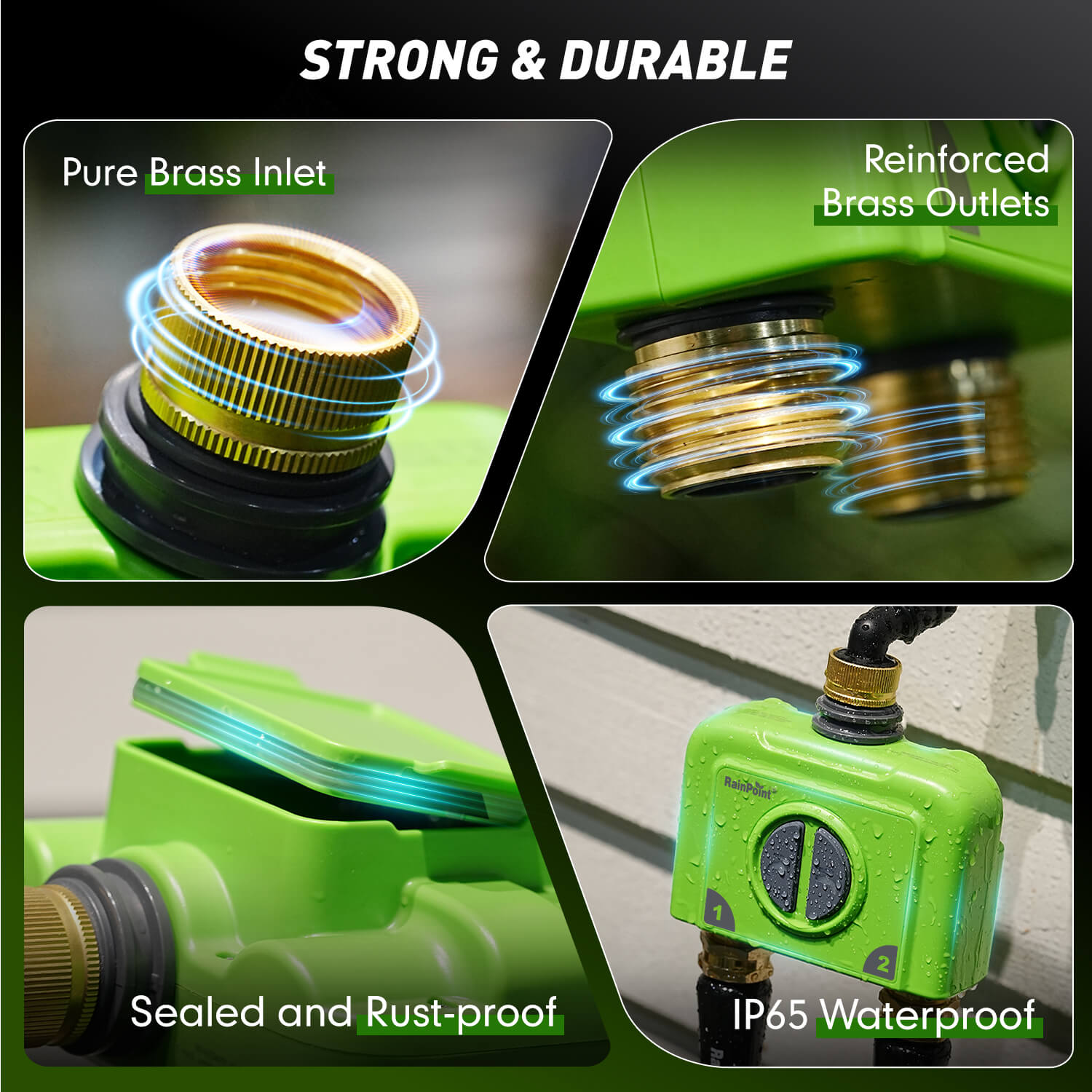
Discover the RAINPOINT 2026 smart sprinkler timer. Automate your garden with 2-zone WiFi control, weather-resistant brass connectors, and Alexa/Google Home compatibility. Save water & time with easy smartphone scheduling. Perfect for lawn and yard irrigation.
RAINPOINT 2-Zone Smart WiFi Hose Timer with Brass Inlet & Outlet
Description
- Regular price
-
$119.99 - Regular price
-
$112.99 - Sale price
-
$119.99
Shipping calculated at checkout.
Couldn't load pickup availability

FAQ
The gateway cannot connect, showing "Connection Failed" or "Gateway Offline". What should I do?
Please try the following steps:
-
Check the Password: Confirm that the correct WiFi password has been entered.
-
Get Closer to the Router: During the connection process, place the gateway as close to the router as possible for a stronger signal.
-
Check Router Status: Ensure your home router is working correctly (e.g., check if it recently recovered from a power outage). If the router just restarted, wait for it to fully boot up, then follow the manual to reconnect the gateway.
-
Check WiFi Signal: Verify the WiFi signal strength at the gateway's installation location. If it's too far from the router, move the gateway closer to ensure a more stable connection.
The button on the gateway is unresponsive. Is it broken?
First, try the troubleshooting steps for connection issues mentioned above. If the network and router are confirmed to be normal but the button remains unresponsive, please contact our customer service department for further assistance at Support@rainpointonline.com.
I cannot open the valve. What could be the reason?
This is usually caused by the following:
-
Low Battery: Please try replacing the batteries with new ones.
-
Debris Blockage: There might be debris clogging the water inlet or filter. Clean it regularly.
-
Network Delay: An unstable network can cause command response delays. Wait a moment and try opening the valve again.
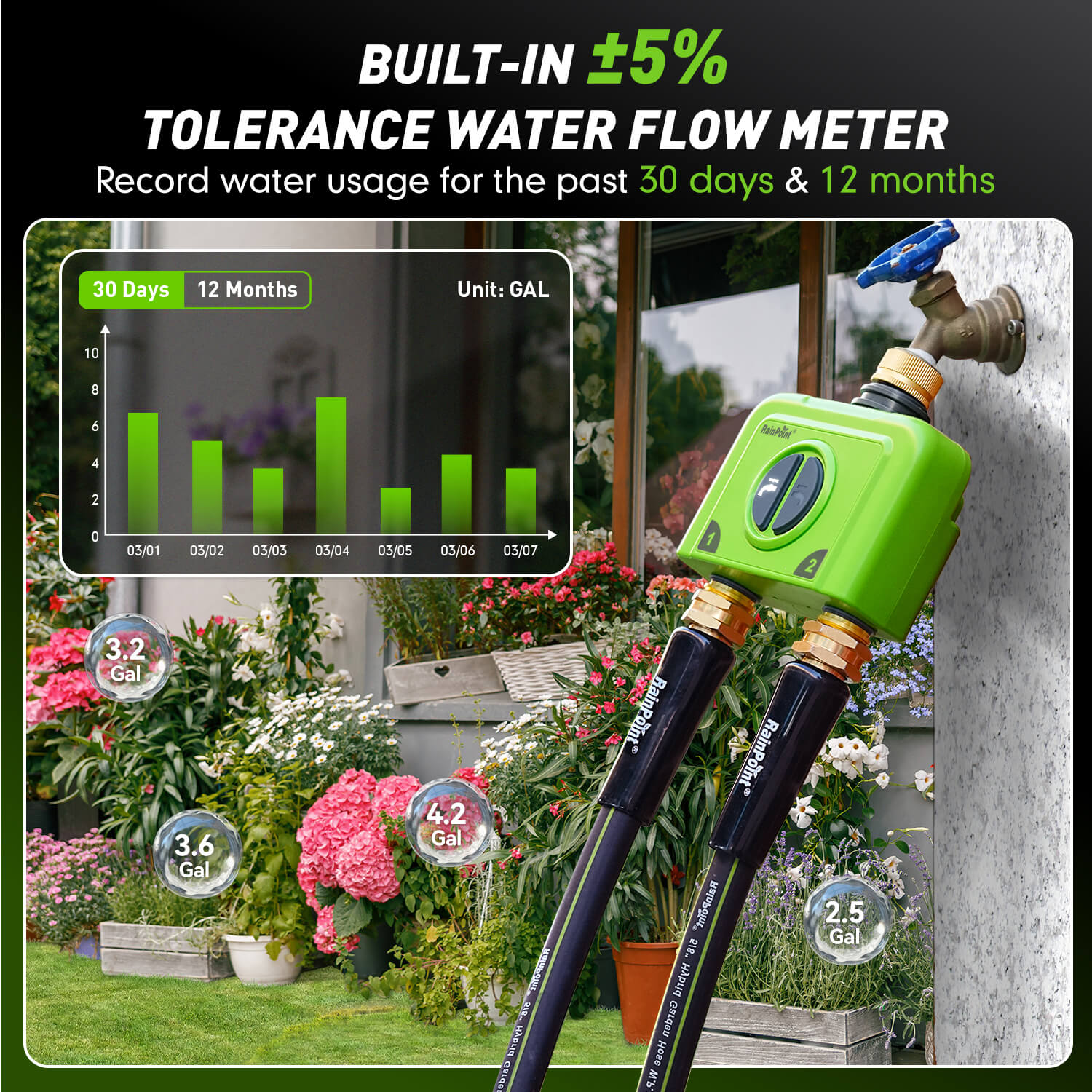
Why is the water flow meter reading inaccurate?
Possible Causes and Solutions:
Incorrect Wi-Fi Password: Please confirm that the entered Wi-Fi password is completely correct.
Too Far from Router or Unstable Signal: Please move the gateway closer to the router to ensure a stable signal.
Router Malfunction: Please check if the router is functioning properly (e.g., restart the router). If there was a power outage, ensure the router has resumed normal operation.
Network Environment Issues: An unstable Wi-Fi network itself may cause connection failures.
Final Step: Please follow the steps in the "Connection" section of the product manual to retry connecting the gateway. If the problem persists, please contact our customer service department for assistance via email: support@rainpointonline.com.
The timer cannot connect to the network (shows offline in the App). What should I do?
Please follow these steps:
-
Check Network Environment: Confirm that your home WiFi network is functioning properly.
-
Get Close to the Gateway: When connecting the timer, ensure it is near both the gateway and the router.
-
Re-pair the Device: Press and hold the button on the timer until the red light flashes quickly. This indicates it is in pairing mode. (Alternatively, you can remove the device from the app's homepage and then re-add it).
Why is my timer not watering according to the schedule I set?
Please check the following possibilities:
-
Clogged Filter: Impurities blocking the inlet filter can restrict water flow and interfere with the irrigation program. Please clean the filter regularly.
-
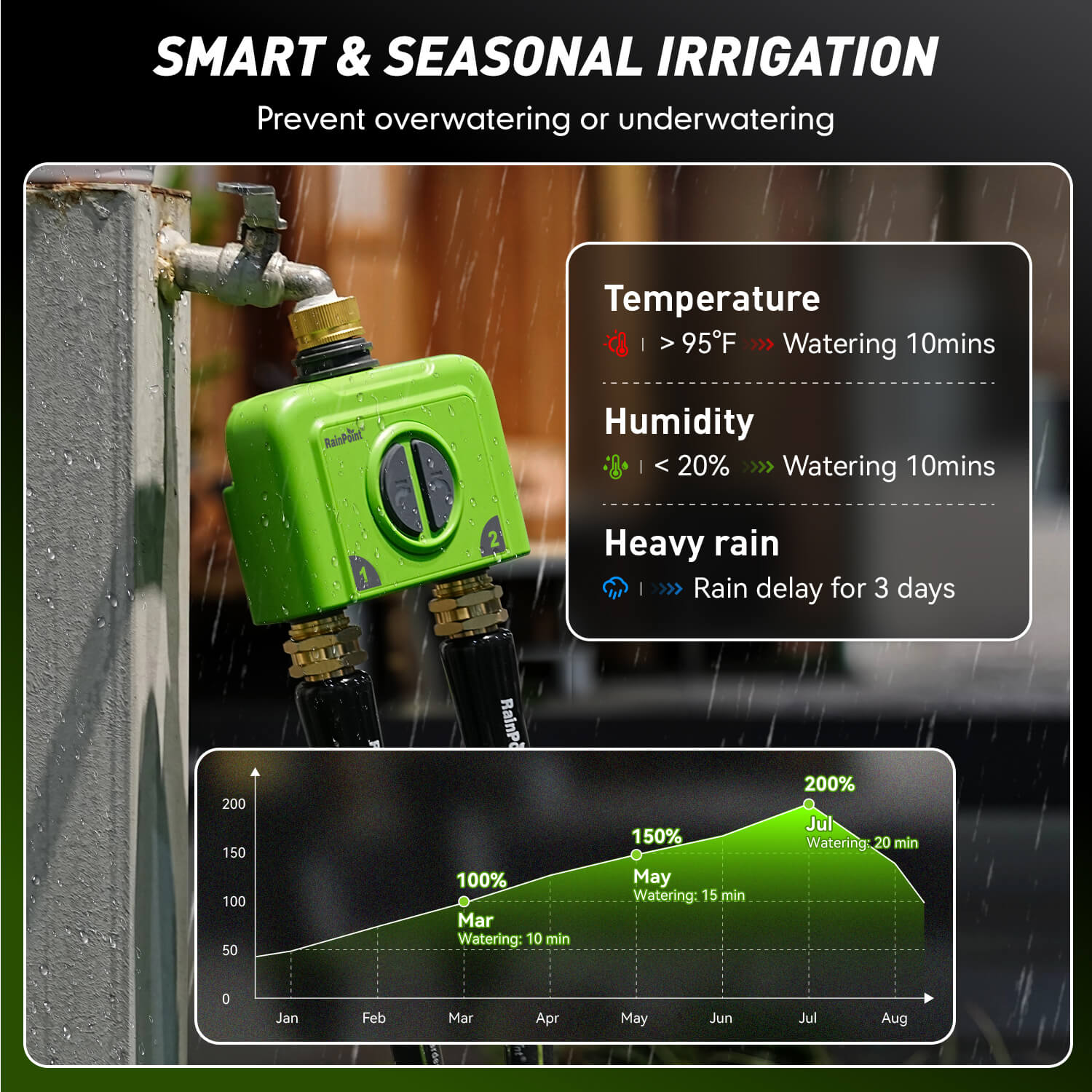
Rain Delay Setting: Check if the "Rain Delay" function has been enabled in the App, as this will pause the scheduled programs.
-
Low Battery Protection: When the battery level is critically low, the timer enters low power protection mode and will not execute any watering schedules. Replace the batteries with new ones immediately to restore functionality.